Your next campaign is already in motion.
Start with a still. Add a motion direction. Create short fashion clips for your product pages, launches, and social feed.
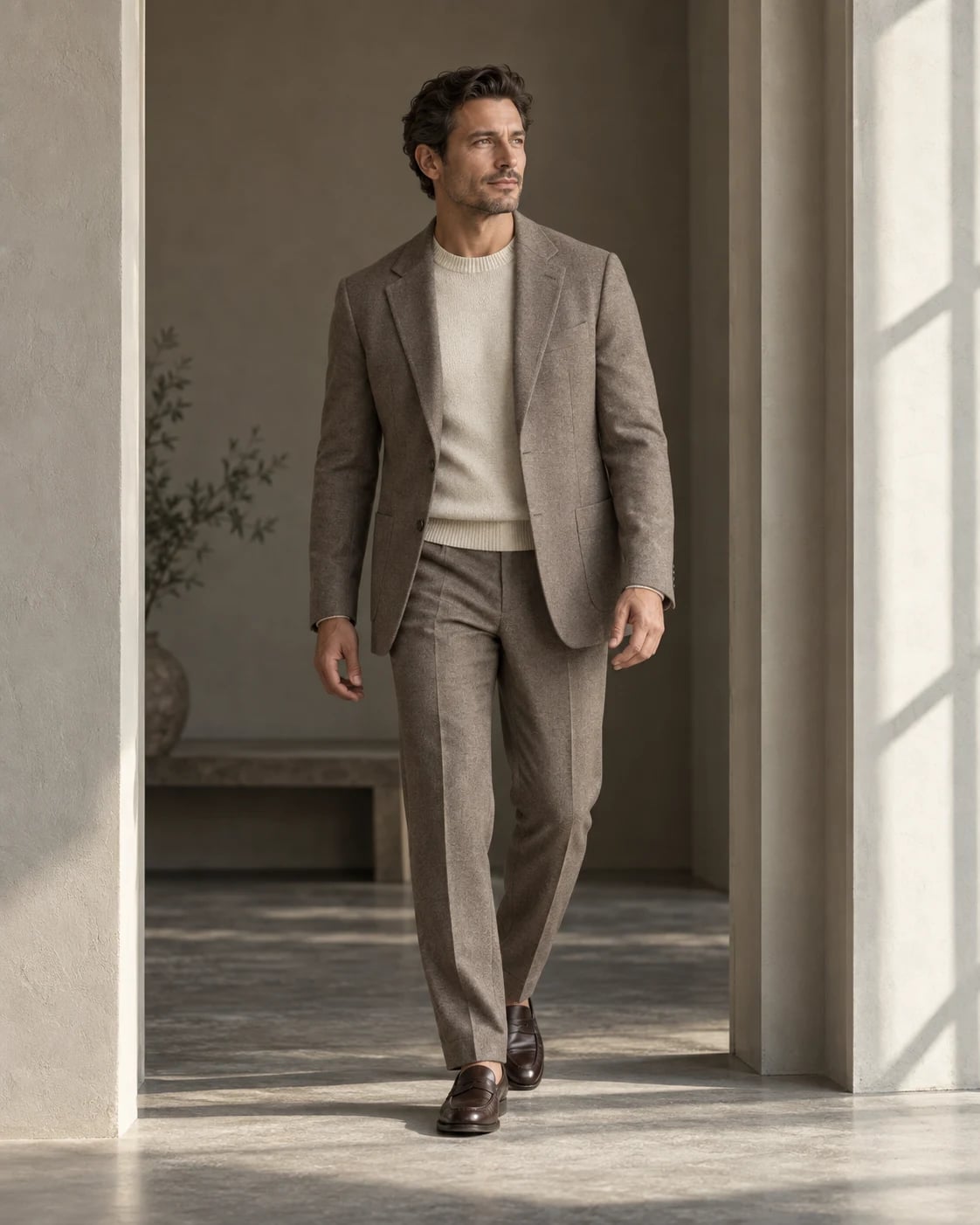
Your vision.
A simpler process.
Choose an image that clearly shows your look. Pick a motion preset, preview your selections, and generate a short clip from the same workspace.
Start with your fashion image
Start with clear photography that shows your garment at its best.
Choose a motion direction
Make intentional choices about the look you want to create.
Generate and download your clip
Check the result against your original, then save your approved assets.
Bring still images to life
Explore motion presets
Keep photos and video together
A few things
worth knowing.
Illustrations show a creative direction. Review generated images for garment accuracy before you publish.
What can I create with Shotward?
Create on-model images from flat lays, mannequin shots, or existing fashion photos. You can also explore editorial scenes and generate short fashion videos from a still image.
Do I need professional product photos?
You can start with a clear, well-lit product photo. Keep the full garment in frame, avoid obstructions, and make sure colors and details are visible. Better source images give you a better starting point.
Can I choose the model and background?
Yes. The creation workflows let you select from the model and background libraries. Flat-lay and mannequin workflows also include pose selection. Available choices depend on your plan.
Will every garment detail stay exactly the same?
Generation aims to retain the garment, but AI can alter fine details. Always compare the result with your original, especially prints, logos, seams, and fit. Use the photo issue flow when a result needs attention.
How do credits work?
Each photo uses 1 credit; each video uses 5. For example, 10 products with 3 photos each and 2 videos use 40 credits. Your workspace shows your remaining balance before you generate.