Vertical frames for the feed.
Stories and reels want movement and a face. A social media shoot makes three 9:16 frames of every look: a walk, a glance back that shows the back of the garment, and a close portrait. Two to four models can share a frame.
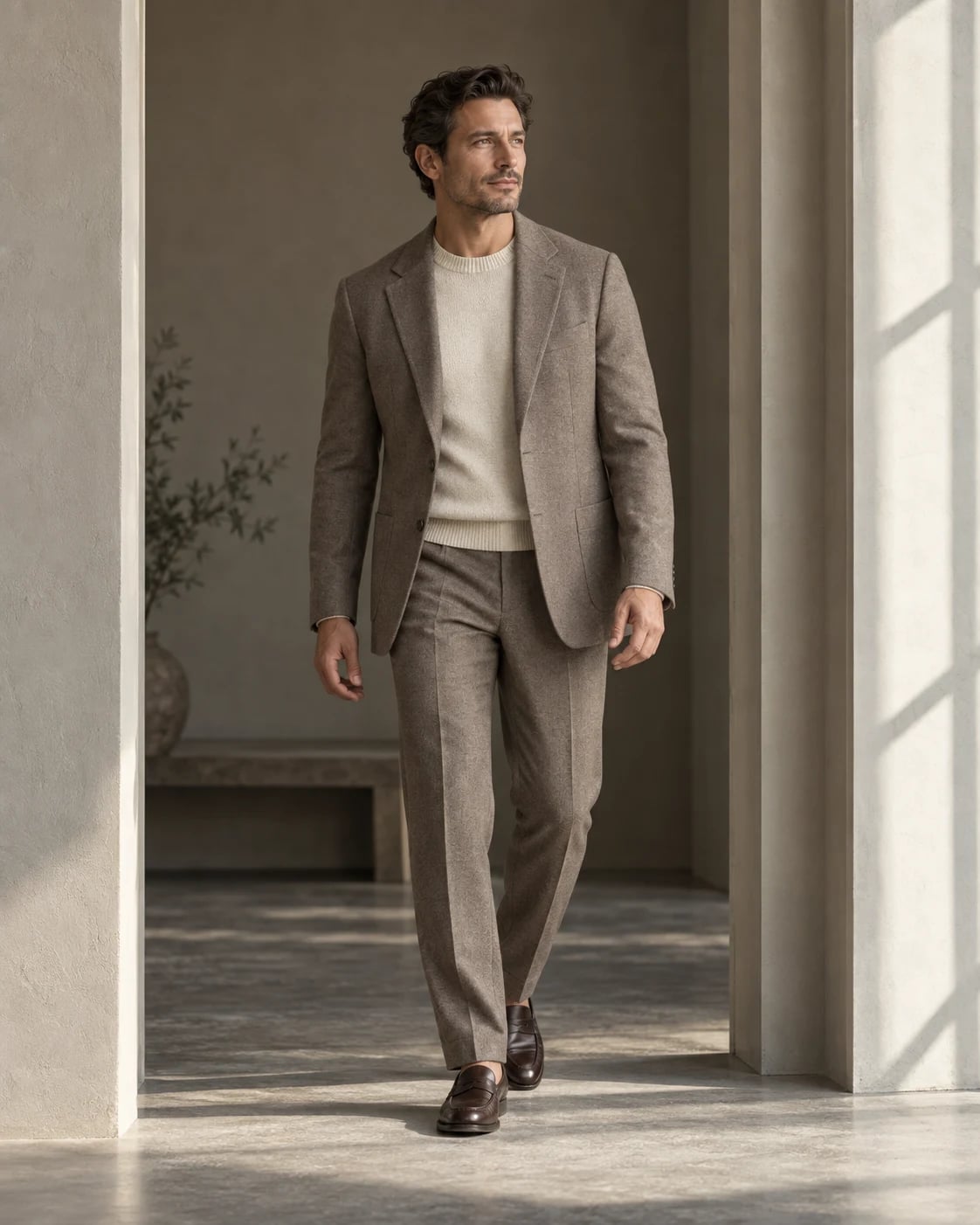
One look, every shot it needs.
Vertical frames for stories and reels: a walk, a glance back and a close detail. These are the default shots; switch any of them off, or add more.
Walk. Mid-stride towards the camera, the look in motion.
Also on the listLeanTurnPocketsCrouchOn the groundHead downHand to templeCrossShoulder glance
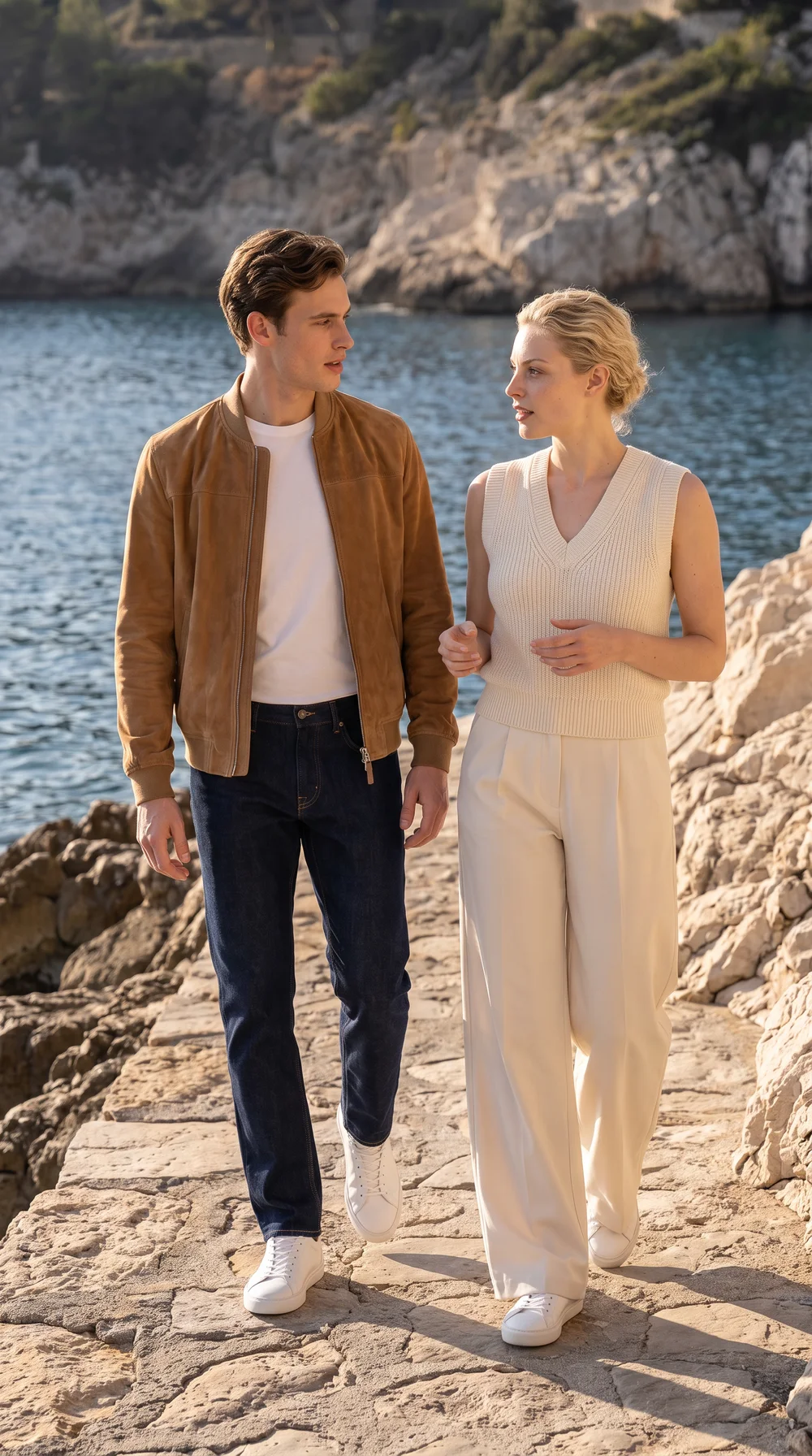
Two to four models.
One frame.
Two to four models, each in their own look, walking together or caught between takes. Each keeps their own identity and their own look; the stylist completes a look that is missing a piece.
- Shots
- Walking together, Candid, Back to back, Walking away, Arm around, Crouch and stand, Wall lean
- Frame
- 9:16
- Credits
- One per photograph, however many models
- On the call sheet
- Social media
- Frame
- 9:16
- Location
- Usually outdoors, or in an interior with daylight.
- Shown here
- Adrian · Scattered Glimmer · Illustrative, AI-generated
A few things
worth knowing.
Photographs on this page illustrate the style of the shoot. Review every frame against the garment before you publish.
What can I create with Shotward?
Photographs of your garments on a model in a location, planned as a shoot: product page frames (front, back, three-quarter), social media frames (a walk, a glance back, a close portrait) and lookbook frames (a stride, a relaxed stance, a portrait). Campaign shoots are coming next.
Do I need professional product photos?
No. A clear, well-lit photo of the piece on a hanger, flat, on a mannequin or on a person is enough. Keep the whole garment in frame and the colours visible. Shotward detects the view of each photo and keeps front, back, side and close-ups together as one garment.
What is the wardrobe?
The place your garments live. Every photo you bring in becomes a garment with its views, and every shoot pulls pieces from it. Nothing is uploaded twice, and a piece can be in as many looks and shoots as you like.
What is a call sheet?
The plan for one shoot. After you choose the purpose and the pieces, the stylist suggests looks, a lead model and a location as storyboard cards. Each card holds a location and one to four people, each with a model and a look. Change any of them, switch shots off, add a card, then start the shoot.
Can I choose the model and the location?
Yes. The cast runs from twenties to sixties, with filters for gender, age, skin tone, hair and build, and there are thirty locations from studio to street, plus a custom studio colour. The stylist suggests a fit for the purpose; you can change every card.
Start the next drop.
Try the studio free: 15 photographs, no card. Fill the wardrobe, plan the call sheet, download the frames.
- No card for the trial
- Cancel any time
- We claim no ownership of your photographs
- Payments by Stripe